

Choosing a Database for a Discord Bot: SQLite, PostgreSQL, or Redis
Select storage based on data durability, concurrent writes, and operational limits.
Read article ↗A practical comparison of Paper and Purpur, migration risks, plugin compatibility, performance measurements, and configuration decisions.
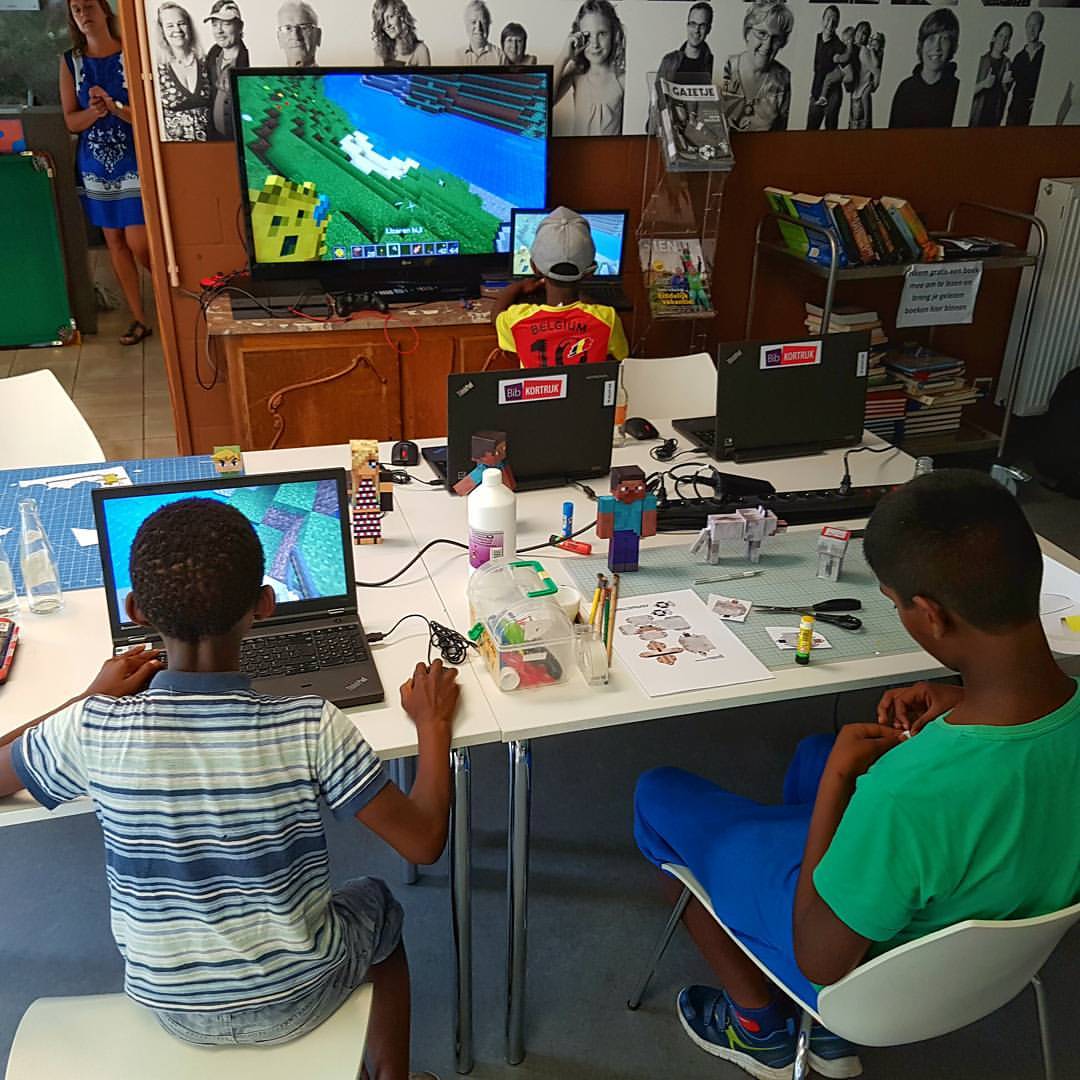
Image credit: bruno — CC0. Source media; not a benchmark or screenshot of a Volyx test.
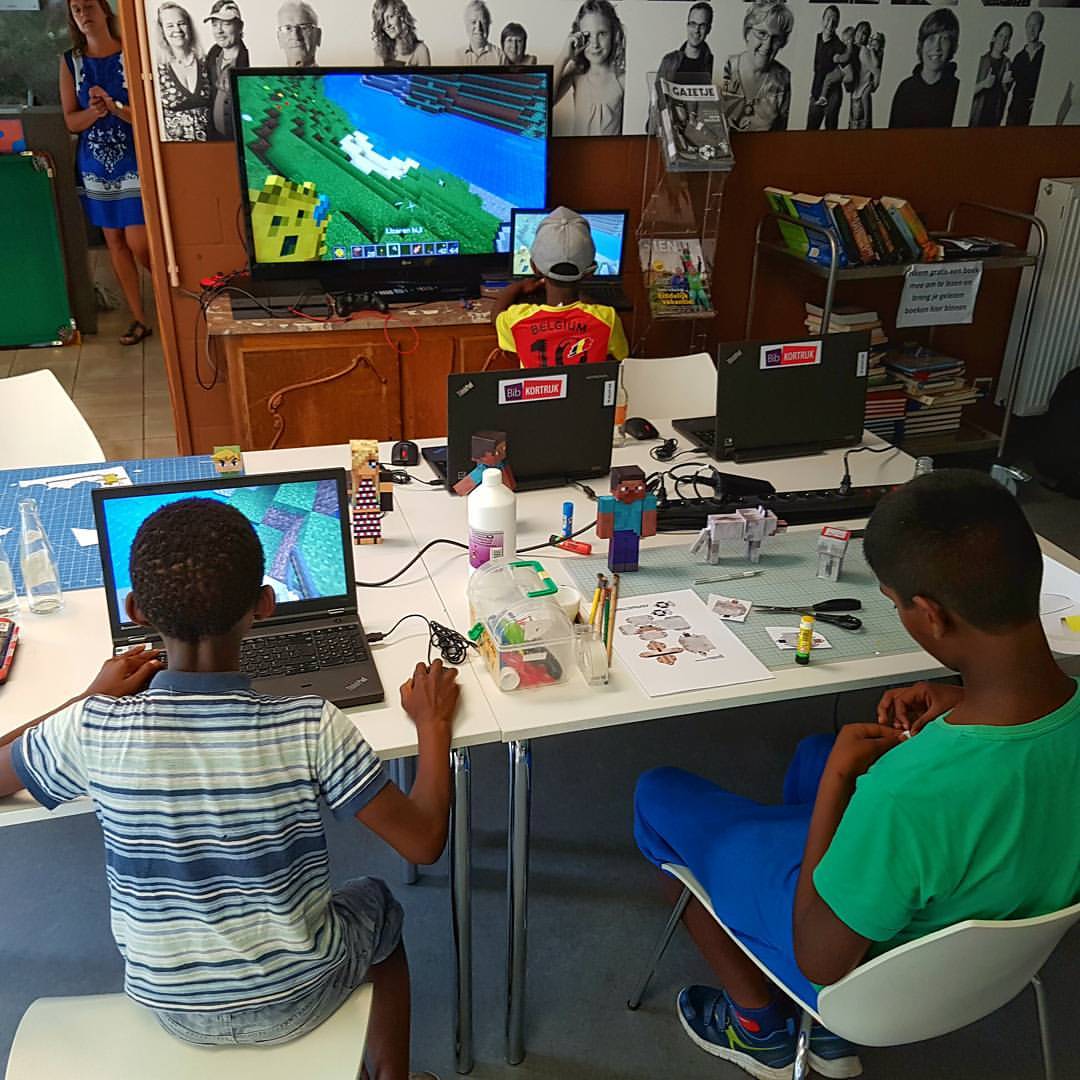
Image credit: bruno — CC0 1.0. Illustration only; not a performance benchmark.
Choosing between Paper and Purpur is less about finding a universal performance winner and more about deciding how much control you want over a Minecraft Java server. Both are popular alternatives to a plain vanilla server for communities that need plugin support and operational controls. Purpur is a fork of Paper that adds more configuration and gameplay options. That relationship matters: a feature present in both projects should not automatically be credited as a Purpur-exclusive speed improvement.
This guide shows how to choose a server implementation, test it fairly, back up your world before switching, and recognize when a plugin or configuration is responsible for poor performance. The examples are intended for Java Edition server administrators; verify the documentation against the Minecraft version actually installed on your host.
Paper builds on the Spigot ecosystem and focuses on performance, fixes, server administration, and a mature plugin environment. It is an excellent default when you want a conventional plugin server with comparatively fewer gameplay-specific switches to manage.
Purpur builds on Paper and incorporates additional configuration and gameplay behavior options. For example, a server owner who wants unusual entity behavior or detailed per-feature customization may prefer Purpur’s configuration surface. The trade-off is maintenance complexity: more optional settings mean more decisions to document and test after updates.
Neither project guarantees exact vanilla mechanics. Server patches and configuration can change behavior. Technical players with specialized farms or redstone constructions should test those mechanics on the particular version they run, even if a hosting advertisement describes a fork as “vanilla-like.”
| Question | Paper | Purpur |
|---|---|---|
| Main emphasis | Performance and administration | Paper foundation plus extensive gameplay tuning |
| Plugin ecosystem | Bukkit/Spigot/Paper plugins | Generally compatible with Paper plugins; test exceptions |
| Configuration complexity | Moderate | Higher when custom features are enabled |
| Best starting point | Conventional survival and plugin servers | Servers intentionally changing gameplay rules |
| Guaranteed faster TPS? | No | No |
The final row is the most important. You cannot infer that one fork will consistently produce higher TPS merely from its marketing or number of performance patches. Workload, version, world data, entities, plugins, hardware, and settings can dominate the result.
If a server is lagging, start by recording evidence. On modern Paper versions, spark is the preferred profiling tool. Paper’s documentation explains that spark is bundled with Paper starting with Minecraft 1.21; it also says Timings has been deprecated in favor of spark. Older server versions may require installing spark separately. Do not follow a guide that assumes /timings is the primary current performance diagnostic.
Run this command while the problem is actually happening:
/spark profiler start --timeout 300The command collects about five minutes of profiling data and returns a report URL. Save that URL privately for analysis if it exposes details about your setup. The report is useful when lag occurs intermittently, because it can show expensive operations rather than merely reporting an average TPS number.
A Minecraft server normally targets 20 ticks per second. Each tick therefore has roughly 50 milliseconds of processing time available. If the main tick consistently requires more than 50 ms, TPS can fall below 20. For example, 70 ms per tick is a sign that the server cannot consistently keep up with the target rate under those conditions. That observation alone does not reveal which plugin or entity is responsible.
The commands /tps and /mspt still provide a quick overview where supported, but Paper recommends spark for meaningful diagnosis. A server that shows 20 TPS during idle time might still stutter when players explore new terrain or an automated farm activates.
For a useful Paper-versus-Purpur comparison, keep the Minecraft version, world snapshot, player workload, view distance, simulation distance, Java version, and allocated resources equivalent. Use a copy of the world, not the live production directory. Record the same test duration, and measure during real load rather than relying on a nearly empty server.
A responsible conclusion might be: “With twelve players exploring our copied world, build A had fewer high-duration ticks than build B during this test.” It should not become “Purpur is always 30% faster,” because such a claim would require repeatable measurements across many representative workloads.
First stop the test or production server cleanly. Never copy a live world folder as your only reliable backup while files are actively being written. From the server’s parent directory, with the server stopped, make an archive that preserves the world and configuration together. Adapt the paths to your actual folder structure.
# Run only after the server has been shut down cleanly.
tar -czf minecraft-pre-migration.tar.gz \
  world world_nether world_the_end \
  plugins server.properties 2>/dev/null
This is an example: if one of these directories does not exist, tar can report an error. Inspect the archive afterwards rather than treating creation as proof that the backup is complete. Also capture the exact JAR version, configuration files, and plugin list; those details are often essential during rollback.
tar -tzf minecraft-pre-migration.tar.gz | head -40A strong backup plan includes a restore test in a separate folder. It is much safer to discover a missing world directory while working with a copy than when trying to recover a live community.
If moving from Paper to Purpur, begin with the matching Minecraft release and avoid turning on dozens of new gameplay options immediately. A successful boot does not prove that farms, protections, commands, or plugins behave correctly. Test permissions, spawn behavior, teleport plugins, economies, and key game mechanics one by one.
Switching back should likewise be tested against a backup. Some changes to world data or features cannot be assumed reversible, especially across different Minecraft versions. Keep the original backup untouched until validation is finished.
Most common Bukkit/Spigot/Paper plugins are expected to work across these ecosystems, but plugins that use internals, version-specific packet libraries, or implementation-specific APIs may behave differently. Do not interpret “compatible with Paper” as a formal guarantee for every Purpur release.
A practical test plan starts with the simplest plugin set. Add plugins gradually and reproduce the original issue after each group. If a crash appears only when a specific plugin is enabled, read its error trace and supported Minecraft versions before blaming the server implementation.
Changing view distance, entity activation rules, or chunk settings can reduce work, but it can also change the gameplay your players expect. Disabling important checks may produce exploits or inconsistent mechanics. Optimize only after identifying a bottleneck and preserve notes explaining each change.
For instance, lowering simulation distance may reduce ticking activity at a cost to farms and world behavior beyond the active area. That trade-off may be acceptable on a minigame network but unacceptable on a technical survival server. The “best” setting therefore depends on the game mode and community expectations.
Paper is a sensible default for a new survival server, a familiar plugin stack, or a project with administrators who want fewer configuration choices. That does not mean Paper can be installed without monitoring. You still need backups, tested plugin updates, adequate resources, and occasional profiling.
Purpur becomes attractive when its additional gameplay options replace multiple custom plugins or provide behavior you actively want. Review the specific settings you plan to use and document them. Unused features do not justify migration by themselves.
Start with a profiling report and fix the measured cause. A runaway plugin task, expensive entity farm, excessive new-chunk generation, or overloaded CPU will not necessarily disappear when you change the JAR file. Moving blindly may introduce new variables while leaving the original bottleneck unsolved.
Editorial note: These are practical recommendations, not a controlled performance benchmark. Any image shown with this article is illustrative gameplay photography, not a measured TPS screenshot or a claimed Purpur interface capture.
Explore more in-depth articles with code, visuals, and practical walkthroughs.
Browse all articles ↗
Select storage based on data durability, concurrent writes, and operational limits.
Read article ↗
Read specific failures rather than repeatedly resetting your bot.
Read article ↗
Verify signatures, protect endpoints, and handle interaction timing correctly.
Read article ↗